A macOS status bar that fits your workflow
EasyBar combines polished SwiftUI widgets with a Lua runtime, installable packages, and a practical CLI. Start with useful defaults, then shape every part of the bar around how you work.
Get started Browse widget packages View on GitHub

Running in a minute
EasyBar works without a custom configuration. Install it with Homebrew and open the app:
brew tap easybar-app/tap
brew install --cask easybar-app/tap/easybar
open -a EasyBar
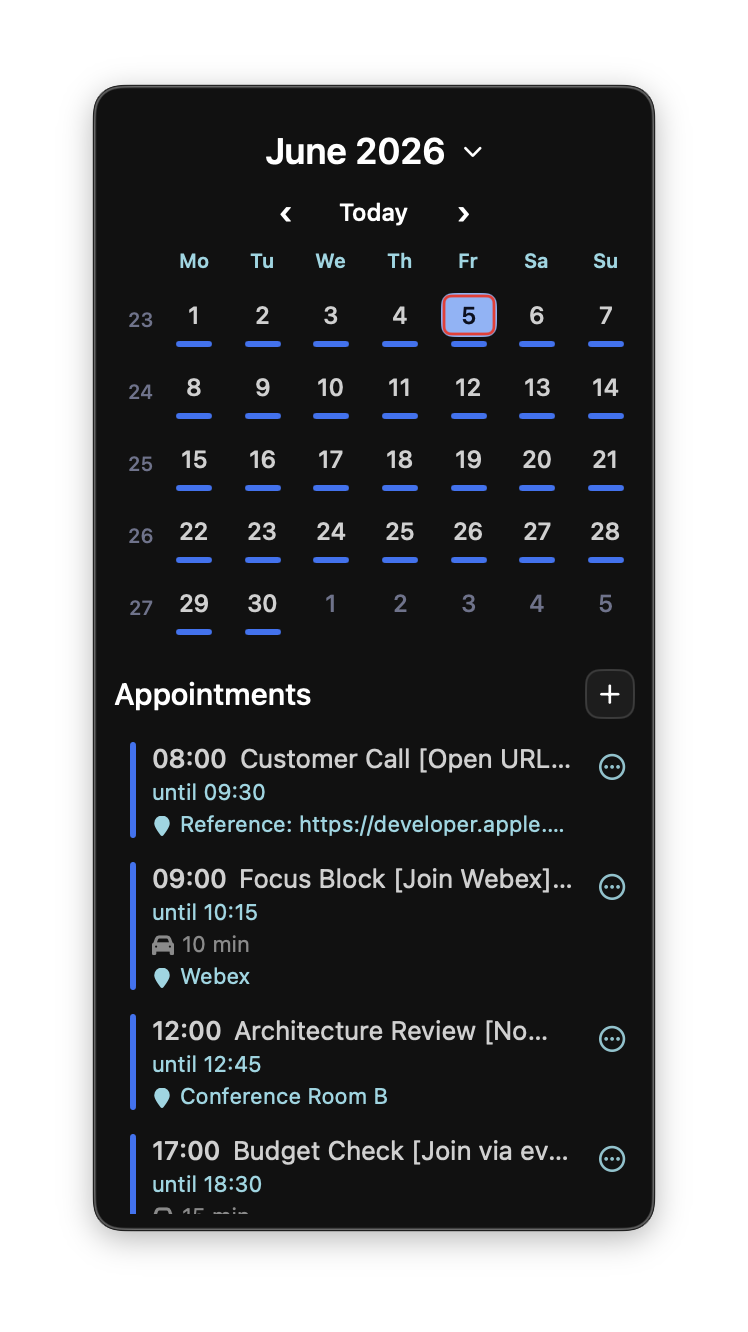
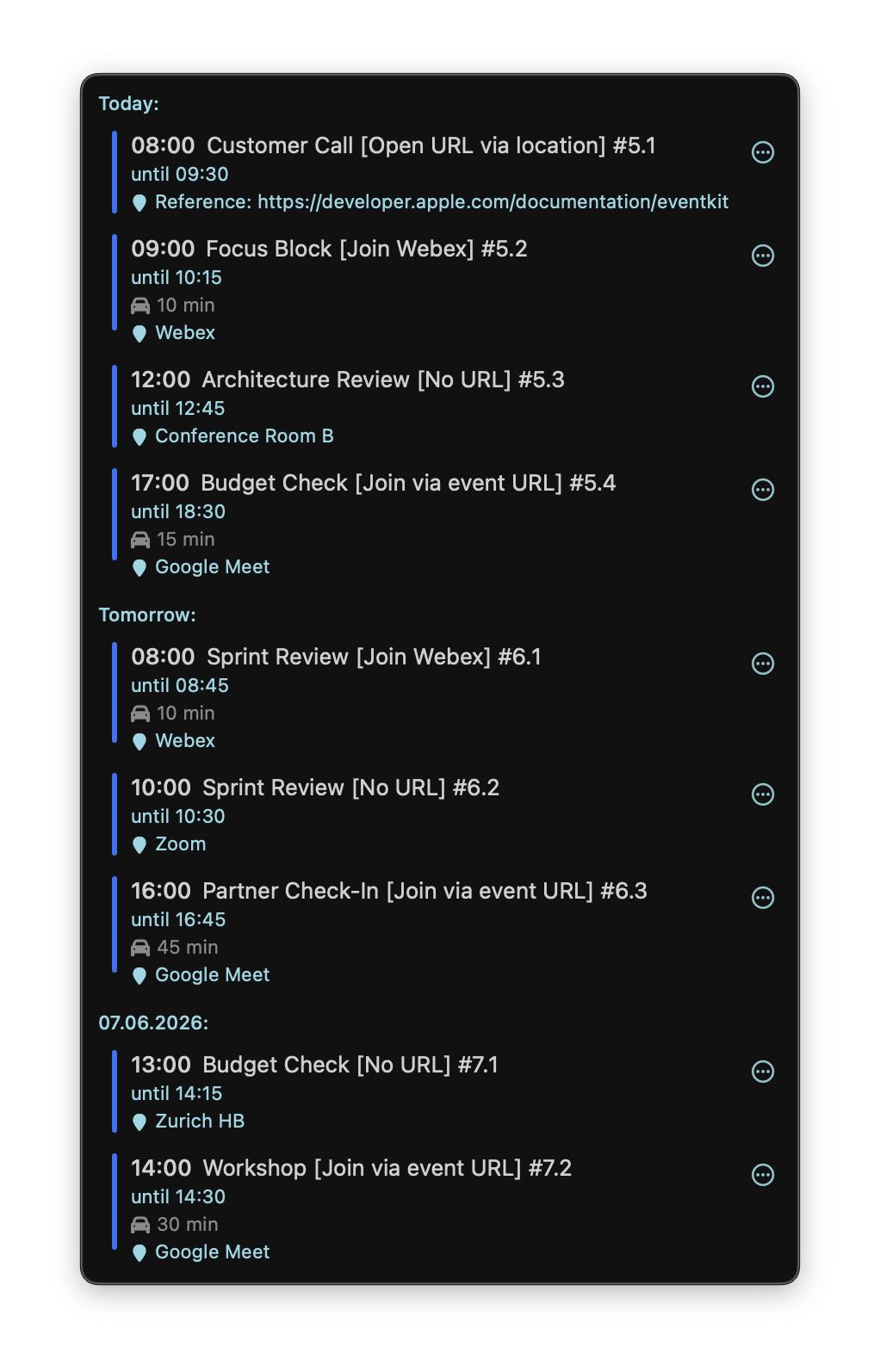
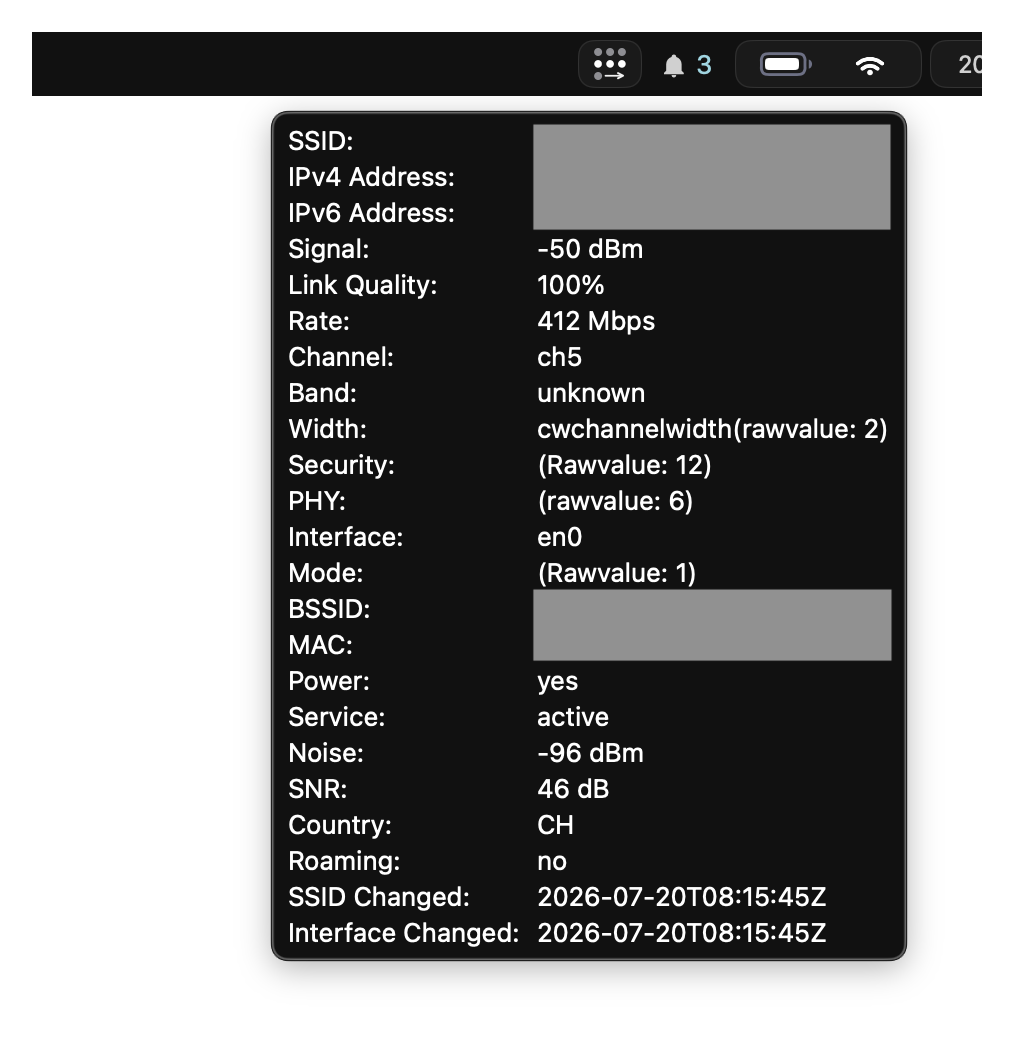
The default bar includes spaces, battery, Wi-Fi, and calendar widgets. Follow the Quick Start when you are ready to customize it.
Built for the space between native and scriptable
-
Native macOS experience
SwiftUI rendering, native context menus, calendar and network integrations, and a menu bar controller feel at home on macOS.
-
Lua when you need it
Build custom widgets with events, timers, asynchronous commands, popups, groups, and persistent settings—without rebuilding the app.
-
Installable packages
Discover and install independently versioned widgets and reusable Lua libraries from the optional package registry.
-
Designed to be yours
Configure placement, groups, themes, built-ins, and behavior in TOML, then apply changes from the CLI without restarting your workflow.
Choose the right extension point
| Use | Best for | Start here |
|---|---|---|
| Native built-ins | Spaces, battery, Wi-Fi, calendar, time, date, volume, and front-app state | Built-ins |
| Lua widgets | Custom display logic, commands, interactions, popups, and project-specific status | Lua Widgets |
| Widget packages | Ready-made integrations and reusable Lua libraries | Package Catalog |
| CLI | Reloads, diagnostics, inbox publishing, package management, and automation | CLI Reference |
See EasyBar in action
Go further
- Integrate AeroSpace workspaces and focused-app state with Spaces.
- Create a cohesive layout with Native Groups and Themes.
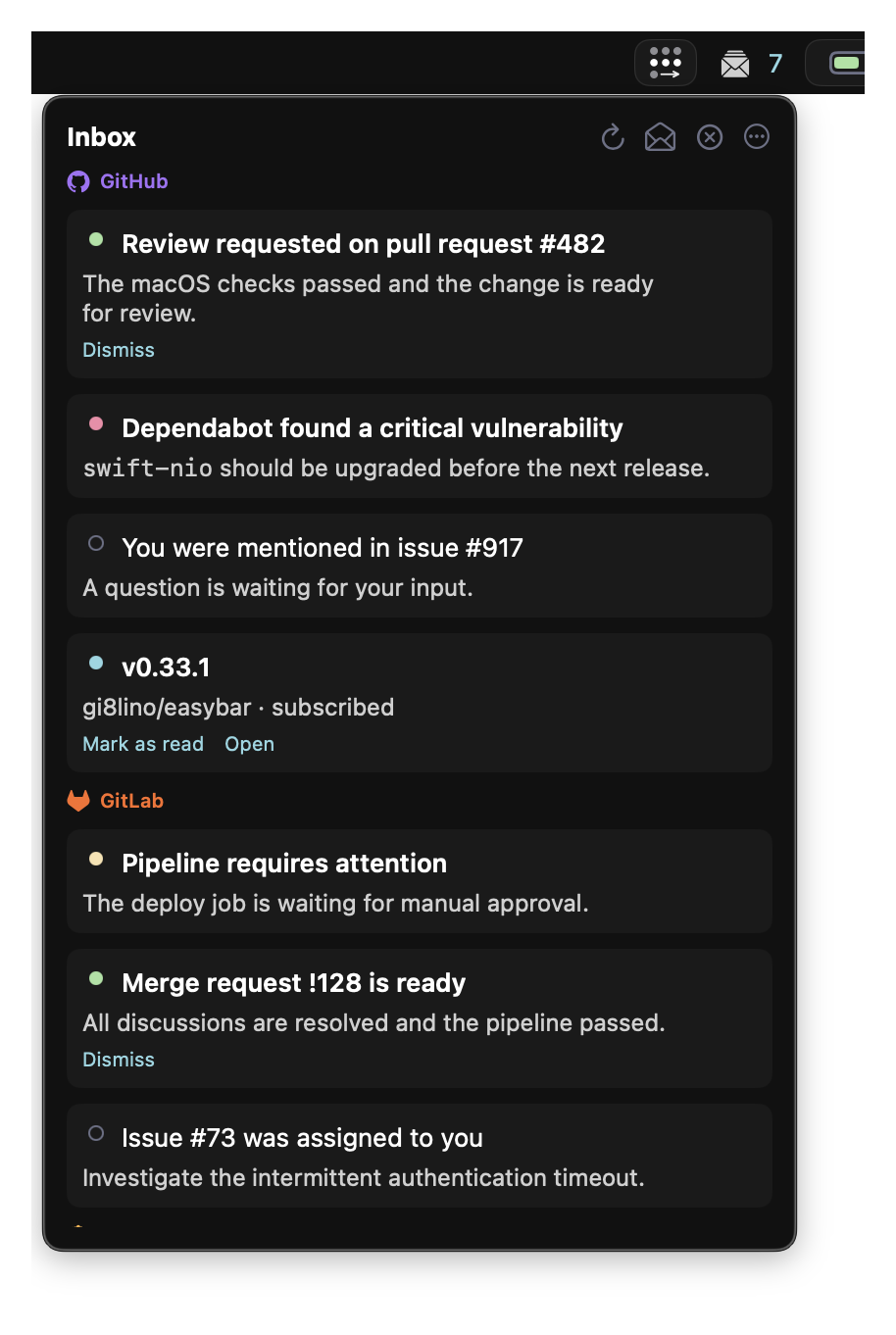
- Publish actionable notifications through the shared Inbox.
- Diagnose startup, permissions, and runtime issues with Troubleshooting.
- Understand the process model and extension boundaries in Internals.